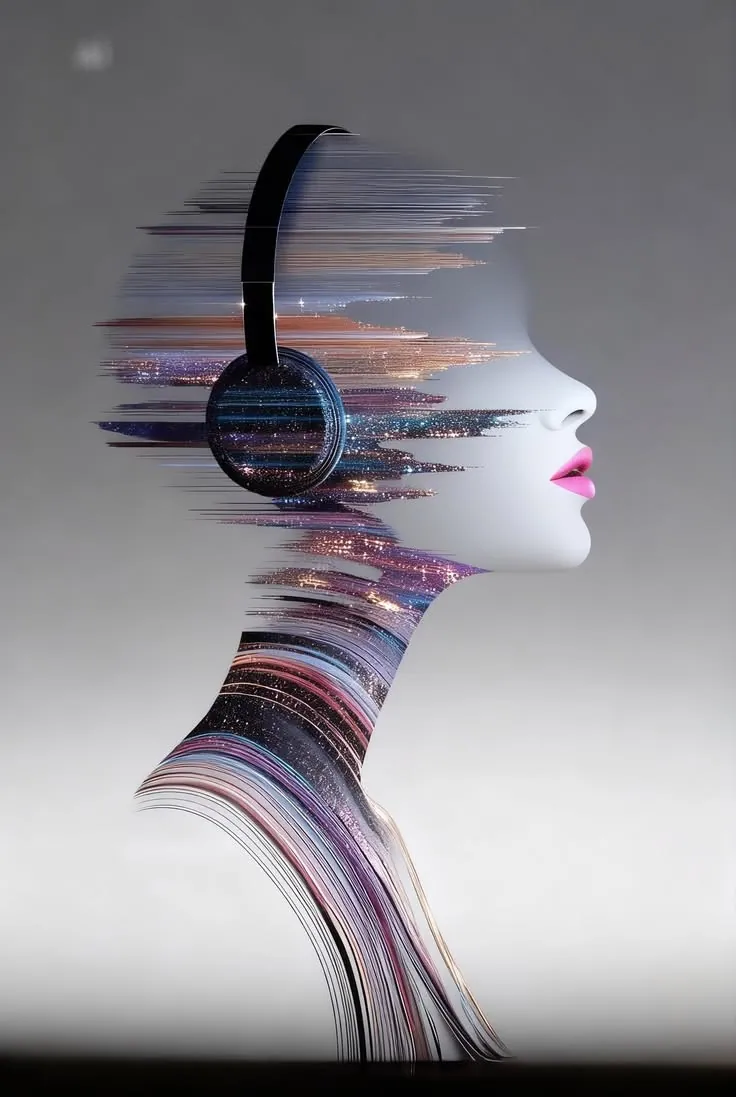
Images
Describe a scene, a product shot or a poster and get it in the aspect ratio you ask for, from photoreal to illustrated.
“Three moody film stills of a lighthouse in fog”

 craftura
Craftura transforms your ideas into stunning visuals, cinematic videos, and immersive sound effortlessly.
Start creatingWatch it work
Craftura is an agent, not a form. It writes the prompt, picks the model and checks with you before anything costly.
Type an idea in plain words, attach a photo to edit, or switch on Search for anything current.
The agent writes a strong prompt, chooses image, video or audio, and asks only when it needs a detail.
Play, download or open what you made, then ask for changes in the same chat until it is right.
What you can make
Images, edits, video, voice, music and sound effects from the same conversation. Describe it and Craftura makes it.
Describe a scene, a product shot or a poster and get it in the aspect ratio you ask for, from photoreal to illustrated.
“Three moody film stills of a lighthouse in fog”
Attach a photo and say what to change: swap the background, restyle it, add or remove things, keep the rest.
“Make the sky golden hour, keep everything else”
Turn a prompt or a still into a short clip. Craftura shows what it will cost first, and only starts when you press Create.
“Slow push-in on this photo, waves moving”
Paste a script and pick a voice for narration, ads or explainers, ready to play and download.
“Read my ad script in a warm, calm voice”
Ask for a mood, a genre and a tempo and get an original track for your reel, game or podcast intro.
“60s lo-fi beat for a study vlog, no vocals”
Footsteps on gravel, a door creak, a sci-fi whoosh: short effects made to order.
“Heavy wooden door creaking open in a castle”
Projects and search
Keep every campaign's chats and style together, and find anything in a keystroke.
Bring your own keys
Start with Craftura's included models, or plug in your own Claude, Higgsfield, fal, Runway or ElevenLabs keys and connect official services. What runs on your key is billed by your provider, on any plan.
Pricing
Start with 3 free images. Upgrade when you want video, audio, edits and every model.
$0forever
Try Craftura with no card.
$24.99/ month
Billed monthly. Credits refill every 30 days.
$199/ year
Billed yearly, about 34% less than monthly.
Prices in USD, before tax. Payments are handled by Dodo Payments. Credits are spent at the price shown next to each model, refill each cycle and do not carry over. See the billing terms.
FAQ
Craftura is an AI creative studio you talk to. Tell it what you want and it makes images, edits your photos, and creates short videos, voiceovers, music and sound effects, all in one chat.
Yes, to start. Every account gets 3 free images for the life of the account, made with the free image model, and the chat stays open after that. Image edits, video, audio and web search are part of the paid plans.
They include the same models and features. Pro is $24.99 a month with $25 in credits every 30 days. Max is $199 a year with $250 in credits for the year, about 34% less than paying monthly. Prices are before tax.
Each model shows its price in credits before you use it, and what you make is taken from your plan's credits. Credits refill at the start of each cycle (every 30 days on Pro, once a year on Max) and unused credits do not carry over. If you run out, the chat stays open and media waits for the refill.
Your chats are saved to your account so you can come back to them. On a paid plan, what you make is also saved privately to Craftura's storage (up to 500 MB), where only you can open it, and deleting a chat deletes its media. See the Privacy Policy for the details.
Yes, on every plan, including Free. In Settings > Advanced, add your own key for Claude, OpenAI, Gemini, OpenRouter, Groq, xAI, Higgsfield, fal, Replicate, Runway, Luma, Black Forest Labs, ElevenLabs or any OpenAI-compatible API, and pick which work it handles. Work that runs on your key is billed by that provider and does not use Craftura's credits or free images. Keys are checked with the provider, stored encrypted, and never shown again in full.
Craftura can connect to official tool servers from media companies, such as Higgsfield, fal, Black Forest Labs, Runway, ElevenLabs, Replicate and Hugging Face. You sign in to your own account with them, and Craftura can then use their image, video and audio tools in the chat. It asks you before every run, because it uses that account's balance.
A project groups chats, for a campaign or a client, say, and can carry a style brief such as colours, look and formats. Craftura follows the brief in every chat inside that project. Press Ctrl+K (Cmd+K on a Mac) to search every chat and project.
With your Google account. Craftura does not ask for or store a password.
Yes. Cancel from Manage billing in the studio and your plan stays active until the end of the period you paid for. Payments are handled by Dodo Payments; used periods and credits are not refunded except where the law requires it.
Yes, within our Terms of Service and the law. AI output may look like other work and may not be unique, so check that you have the rights you need before using it commercially, especially for logos, real people and brands.
Open the studio, say it in a sentence and watch it take shape. Your first 3 images are on us.